RAID and Cloud Storage Integration Guide
Introduction
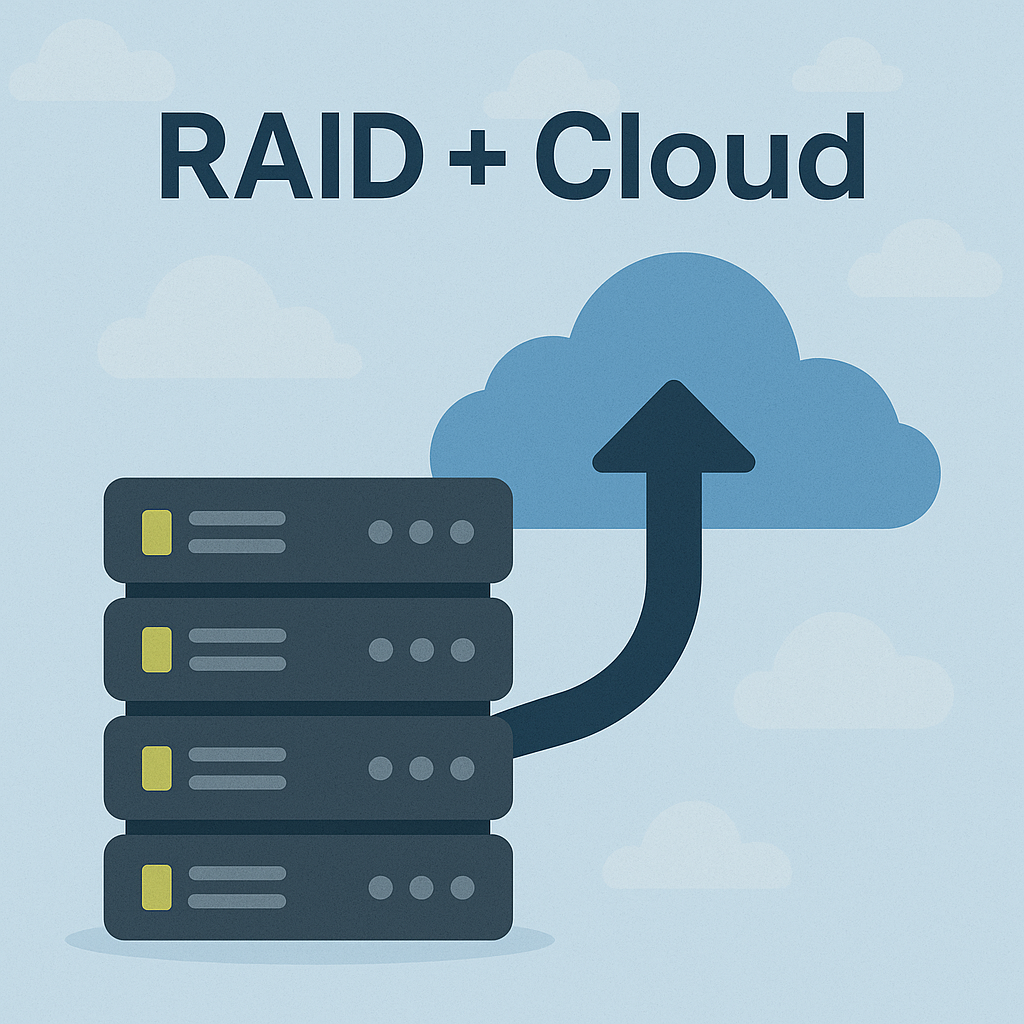
In the age of big data, businesses and individuals need storage that’s fast, reliable, and scalable. Combining RAID (Redundant Array of Independent Disks) with cloud storage offers a robust solution—RAID delivers local performance and redundancy, while the cloud adds scalability and remote access. This guide explores their integration, benefits, challenges, and real-world use cases.
Understanding RAID Storage: The Foundation of Local Data Protection
RAID is a technology that combines multiple physical hard drives into a single logical unit to enhance performance, redundancy, or both. RAID achieves this through various configurations, known as RAID levels, each with distinct characteristics.
RAID Levels and Their Features
| RAID Level |
Description |
Benefits |
Drawbacks |
RAID 0
(Striping) |
Splits data across multiple disks for faster read/write speeds. |
High performance |
No redundancy; one disk failure loses all data. |
RAID 1
(Mirroring) |
Duplicates data across two or more disks. |
High redundancy |
No performance boost; requires double the storage. |
RAID 5
(Striping with Parity) |
Stripes data and parity across multiple disks, allowing recovery from one disk failure. |
Balances performance and redundancy |
Slower rebuild times; single point of failure during rebuild. |
RAID 6
(Striping with Double Parity) |
Similar to RAID 5 but with two parity blocks, tolerating two disk failures. |
Higher redundancy |
More complex; requires more disks. |
RAID 10
(Striping and Mirroring) |
Combines RAID 0 and RAID 1 for both speed and redundancy. |
High performance and redundancy |
High cost due to multiple disks. |
Understanding Cloud Storage: Scalability and Global Accessibility
Cloud storage is a service that stores data on remote servers accessible via the internet, managed by providers like Amazon Web Services (AWS), Microsoft Azure, and Google Cloud. It offers scalability, cost-effectiveness, and accessibility, making it ideal for businesses and individuals needing flexible storage solutions.
Types of Cloud Storage
| Feature |
Object Storage |
Block Storage |
File Storage |
| Data Structure |
Stores data as objects with unique IDs |
Provides raw storage volumes (blocks) |
Offers a file system interface (files/folders) |
| Access Method |
HTTP/S APIs |
SCSI, iSCSI, Fibre Channel |
Network protocols (NFS, SMB/CIFS) |
| Analogy |
Valet parking for data |
Traditional hard drive for a server |
Shared network drive |
| Key Characteristics |
- Highly scalable - Metadata-rich - Flat address space |
- Low latency - High I/O operations per second (IOPS) - Bootable |
- Shared access - Hierarchical structure - File locking |
| Suitable For |
Backups, archiving, static web content, large-scale data (images, videos) |
Databases, virtual machines, high-performance applications, transactional workloads |
Collaborative environments, shared documents, user home directories |
| Example |
AWS S3, Google Cloud Storage, Azure Blob Storage |
Amazon EBS, Google Persistent Disk, Azure Disk Storage |
Amazon EFS, Google Cloud Filestore, Azure Files |
The Synergy: Integrating RAID and Cloud Storage for Hybrid Solutions
A hybrid approach is particularly well-suited for businesses and advanced users with diverse storage needs, effectively combining the security and control offered by local RAID-enabled systems with the flexibility and scalability of the cloud. This model empowers organizations to strategically decide which data resides in a private cloud (e.g., on-premises RAID) and which in a public cloud:
| Feature |
1.Traditional RAID
in Cloud VMs |
2.Cloud Providers’
RAID-Like Mechanisms |
3.Cloud-RAID
Solutions |
| Implementation Level |
Within a single
Virtual Machine (VM) |
Internal to the cloud
provider's infrastructure |
Across multiple cloud
providers or services |
| User Control/Visibility |
User-configured and
managed (e.g., using ZFS, BTRFS) |
Transparent to users;
managed by the cloud provider |
Managed via an abstraction
layer or specific solution
(e.g., ShardSecure®) |
| Scope/Scale |
Limited to the VM’s
attached local storage capacity |
Massive, scalable to
large storage volumes |
Can span multiple cloud storage
services, enhancing capacity
and resilience |
| Primary Techniques Used |
Software RAID (e.g.,
RAID 0 for performance,
RAID 1 for redundancy) |
Data Replication (across
servers/data centers), Erasure Coding |
Data sharding/distribution
with parity, encryption
across different cloud providers |
| Main Benefits Highlighted |
Local RAID benefits
(performance, redundancy)
within the VM |
High data durability and
availability at a large scale |
Enhanced data availability,
confidentiality, integrity,
self-healing, avoids vendor lock-in |
| Resilience Against |
Failures of virtual disks
within the VM |
Hardware failures, data
center outages |
Cloud provider outages,
data deletion, ransomware
attacks, vendor lock-in issues |
| Examples |
VM with virtual disks in
RAID 0/1 using ZFS/BTRFS
on AWS |
AWS S3 internal replication/
erasure coding, Google Cloud
Storage durability |
ShardSecure®, conceptual
"Cloud-RAID" implementations |
| Key Limitation/Consideration |
Confined to the single VM's
resources and existence |
Mechanisms are provider-specific
and not directly controllable |
May involve third-party solutions
or more complex setup |
Benefits of a Hybrid RAID-Cloud Approach
| Advantage |
Description |
| Enhanced Data Protection |
Provides multi-layered protection, combining local RAID redundancy against hardware failures with off-site cloud backups against ransomware, logical errors, and catastrophic events. |
| Scalability |
Leverages the virtually unlimited scalability of the cloud for vast data volumes while maintaining high local performance for active data through the RAID-enabled system. |
| Flexibility |
The hybrid model adapts to diverse storage needs, allowing organizations to choose optimal data placement based on performance, cost, and compliance requirements. |
| Remote Access & Collaboration |
Enables seamless file access from anywhere, significantly boosting productivity for remote workforces and distributed teams. |
| Cost Optimization |
Balances the upfront cost-effectiveness of local RAID for large, frequently accessed local datasets with the flexible, consumption-based model of cloud storage for less frequently accessed data, long-term archives, and disaster recovery. |
| Faster Disaster Recovery |
Cloud-based backups enable quick recovery times, significantly minimizing downtime in the event of a disaster. |
| Streamlined Operations |
Centralized management tools, such as QNAP Hybrid Backup Center, simplify the management and monitoring of complex, cross-site backup jobs, including those to the cloud. |
Challenges and Considerations
| Challenge/Consideration |
Description |
| Latency |
Accessing cloud storage can introduce delays (typically tens of milliseconds), which may impact real-time applications when compared to faster local RAID setups. |
| Complexity |
Managing storage distributed across multiple cloud providers or services demands sophisticated tools and specialized expertise. |
| API Limits and Costs |
Cloud providers might enforce limits on API requests or charge for data transfer, which can complicate and increase the cost of distributed storage configurations. |
| Security and Compliance |
Ensuring that data spread across various providers adheres to necessary security and regulatory standards necessitates robust encryption and meticulous management practices. |
Use Cases and Examples
| Use Case |
Primary Application / User |
RAID Configuration / Purpose |
Cloud Storage Integration |
Key Benefits / Examples |
| 1.Database Management |
Databases
(MySQL, MongoDB) |
RAID 10 on local VM storage
for balanced performance
and redundancy. |
Used for backups or
archiving database files. |
Efficient local database operation;
less critical for distributed DBs like
Cassandra (due to built-in replication). |
| 2.Media and Backup Storage |
Media production |
High-speed local RAID
(e.g., RAID 0 for video editing,
RAID 6 for storage like on FreeNAS). |
Used for archiving,
collaboration, and
backing up local RAID. |
Hybrid approach: Fast local access
with robust cloud backup
(e.g., FreeNAS RAID 6 + Google Cloud). |
| 3.High-Availability Systems |
Businesses requiring
constant uptime
(e.g., e-commerce,
financial services) |
Not specified for local;
focus is on Cloud-RAID principles. |
Cloud-RAID: Distributes data
across multiple cloud providers. |
Ensures continuous data access and
uptime even if one cloud provider
experiences an outage. |
| 4.Personal and Small-Scale Solutions |
Home users |
Local RAID arrays (e.g., RAID 5)
for local data protection. |
Backing up local RAID
to cloud providers
(e.g., using rclone, Arq). |
Cost-effective redundancy,
potentially leveraging free
cloud storage tiers. |
Conclusion
Integrating RAID with cloud storage merges the speed and redundancy of local arrays with the scalability and access of the cloud. Traditional RAID supports VM storage, while cloud-native RAID-like systems and Cloud-RAID offer distributed resilience. Though latency and complexity remain challenges, this hybrid model suits databases, media storage, and high-availability systems. As cloud tech advances, RAID-cloud integration will become a foundation of modern data management.
2025-05-29


 English
 Chinese Traditional
 Japanese
 Korean
 Russian
 German
 French
 Chinese Simplified
 Spanish
 Italian